|
|

|

SaVoir V4.5.2
| New features | |
|---|---|
| 1 |
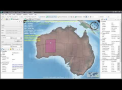
New click and drag functions to edit swaths by resizing and panning directly on the map |
| 2 |
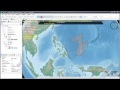
New function to select and view single swaths among overlapping swaths.
|
| 3 |
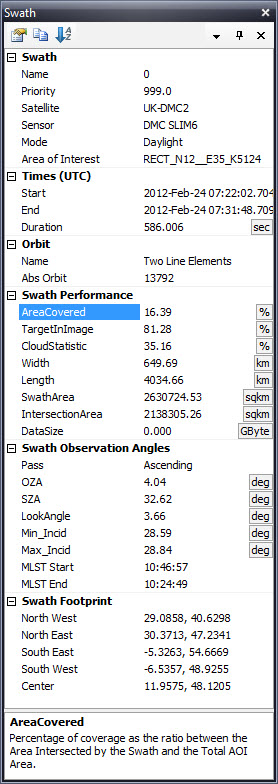
New swath pane to display the swath contents.
|
| 4 |
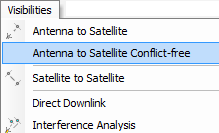
New function "Antenna to Satellites visibilities conflict free".
|
| 5 |
New swath parameters. They are generated only when a downlink opportunity exists ahead of time over a selected antenna. If there are no antennas selected these values will not be calculated and the parameter will not be generated.
|
| 6 |
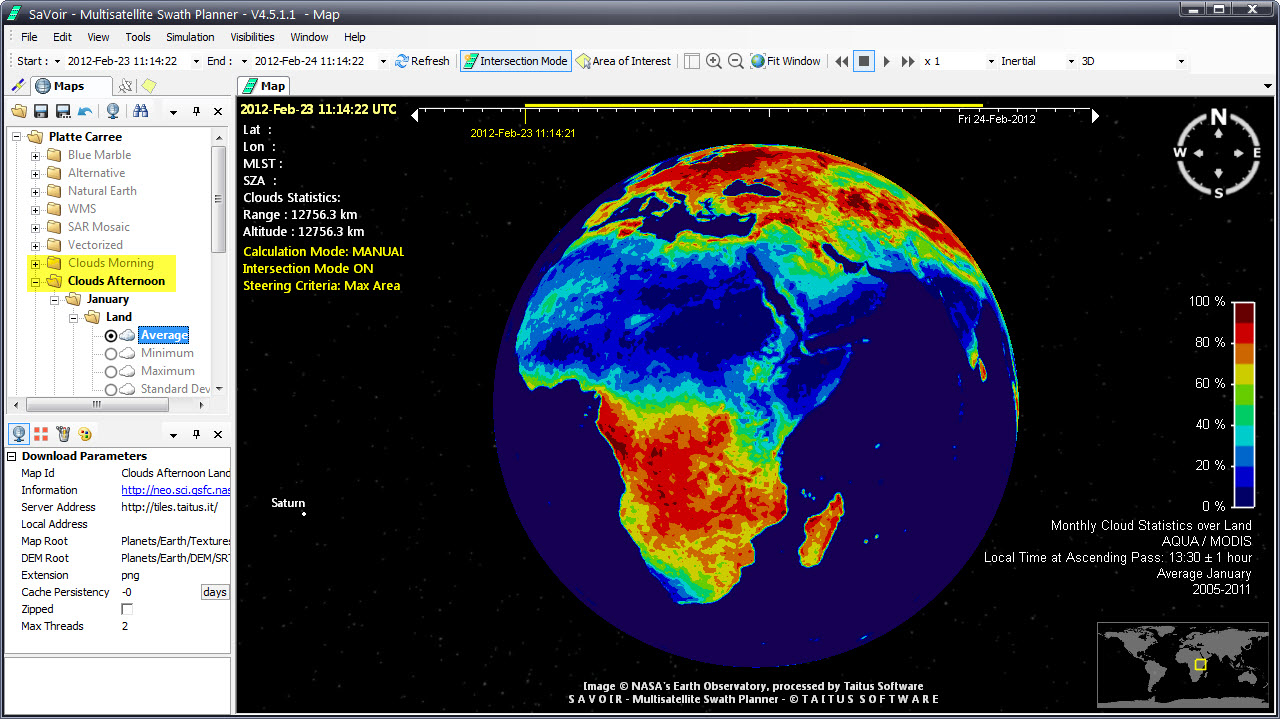
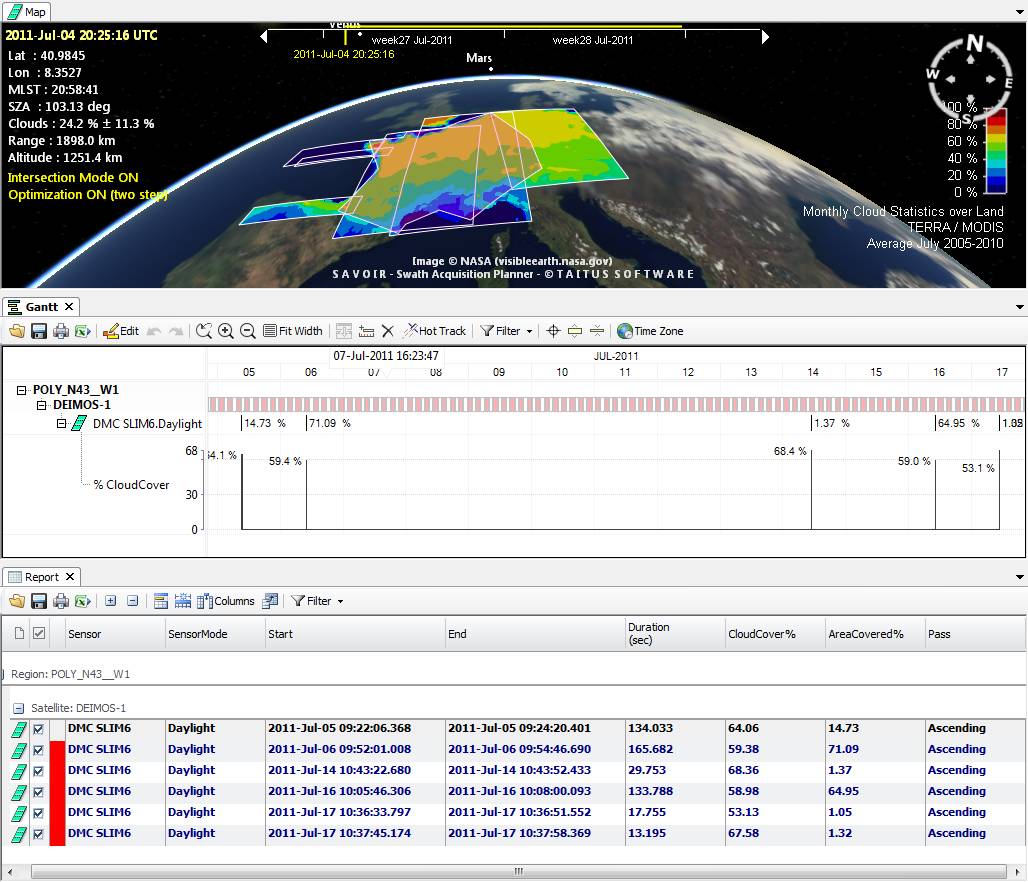
New monthly statistical cloud maps baseline
|
|
7 |
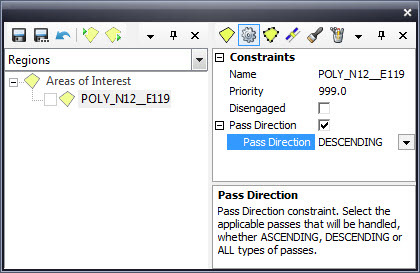
New Pass Direction Constraint for Areas of Interest |
| 8 |
Added the possibility to edit and manage Area of Interest outages |
| 9 |
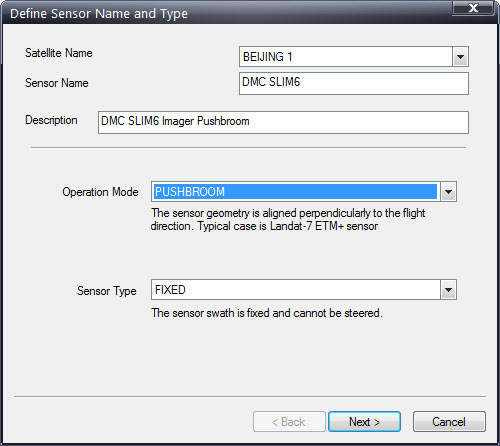
Sensor wizard opening page has been redesigned to accommodate new sensor types (PUSHBROOM, CONICAL, LEAPFROG and POLYGONAL)
|
| 10 |
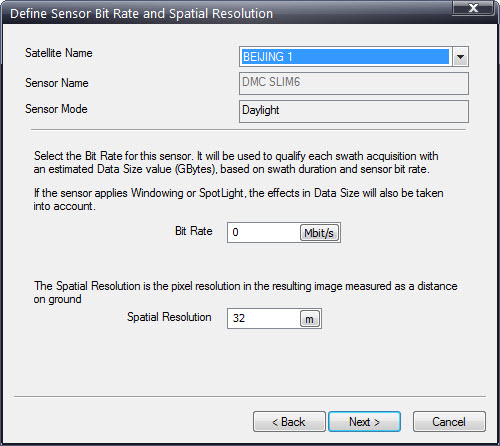
Sensor wizard allows now to edit the sensor Spatial Resolution |
| 11 |
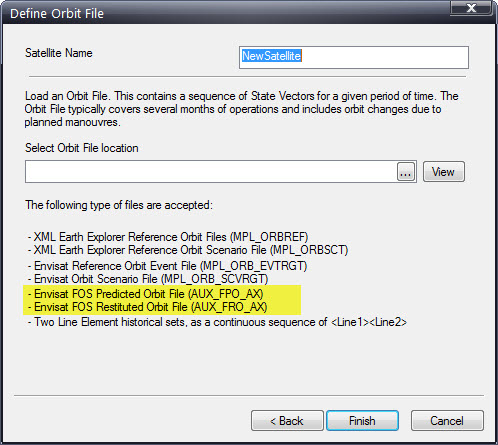
SaVoir has been upgraded to support Envisat FOS Predicted and Resituted Orbit Files in addition to the other Envisat Orbit Files (ROEF and Scenario File). |
| 12 |
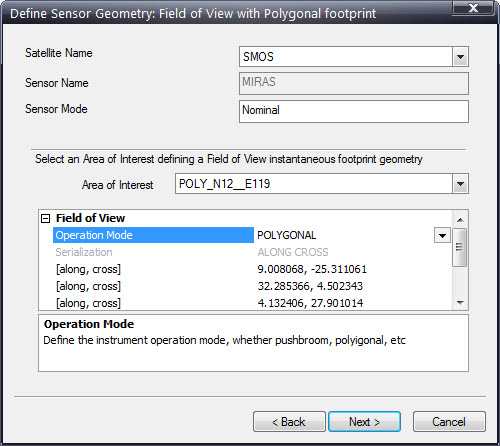
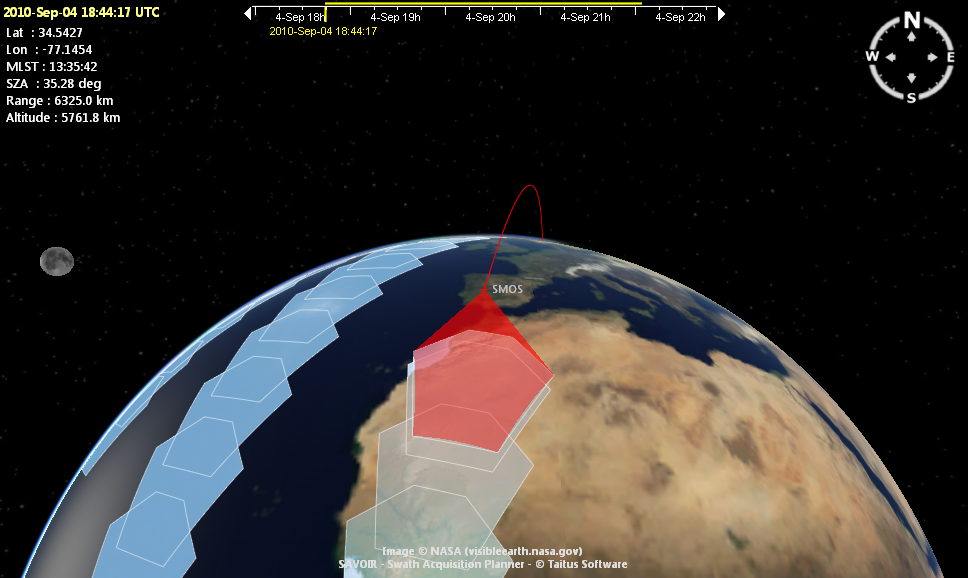
New function to define POLYGONAL sensor types (see e.g. SMOS MIRAS) from a Polygon footprint. Use the Sensor Wizard, select a Polygonal sensor type and choose one AOI of the available ones. The footprint will be designed using the AOI shape rounded to its convex hull.
|
| Fixed source | |
| 1 | Fixed latency plot when having multi-satellite downlinks |
| 2 |
Fixed time tag readout of Live Clouds data.
|
| 3 | Fixed a case of AOI too small not producing intersections. |
| 4 |
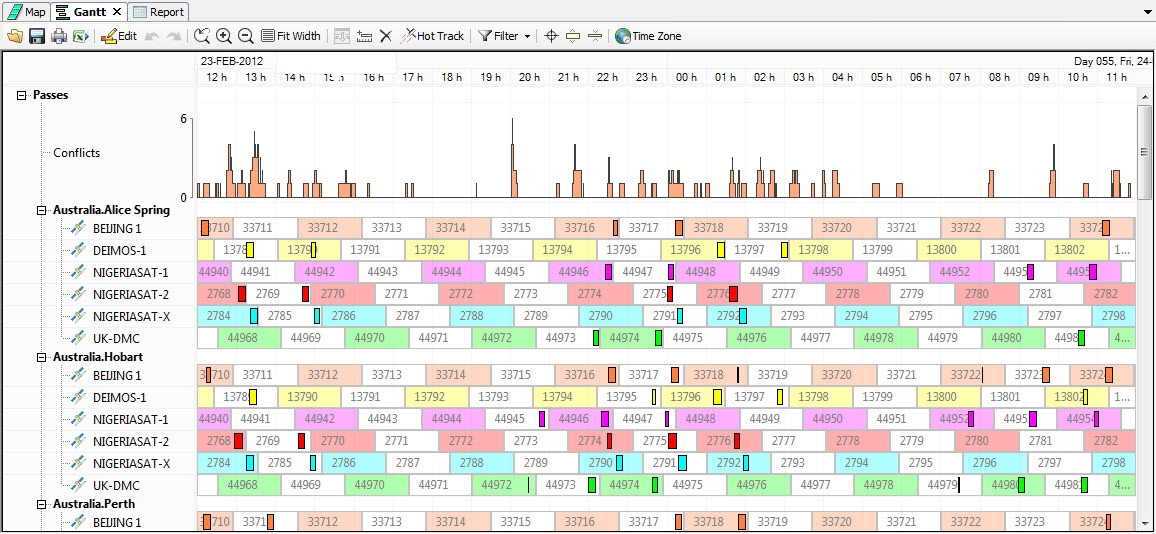
Fixed Conflicts plot, which detected too many conflicts between unrelated satellites and antennas. A conflict now is detected only if two satellites appear in visibility of a single antenna. |
| 5 | Fixed malfunction of "Save As ..." when in Windows XP |
| Configuration updates | |
| 1 |
Radarsat-2 Wide Ultrafine beams have been updated in accordance with RADARSAT-2 Mode/Beam Descriptions v2.156 (BeamDefinitions.cfg file in Radarsat-2 APT) |
| 2 |
Added ISS (International Space Station) as new AIS satellite with AIS reciever |
| 3 |
Fixed Radarsat Constellation Mission (RCM) Medium Resolution Maritime sensor swath width to 350 km width. Added S-AIS sensor to each the RCM satellite. |
| 4 |
Cosmo Skymed: Spotlight mode integration time has been modified from 3.3 seconds to 7.3 seconds to account for actual duration of the spotlight acquisition. |
| 5 |
Envisat orbit has been updated with a new Orbit Event File covering until September 2102 |

Multisatellite Swath Planner - © Taitus Software Italia srl All rights reserved- info: support@taitus.it