|
|

|

Visualizing a trajectory
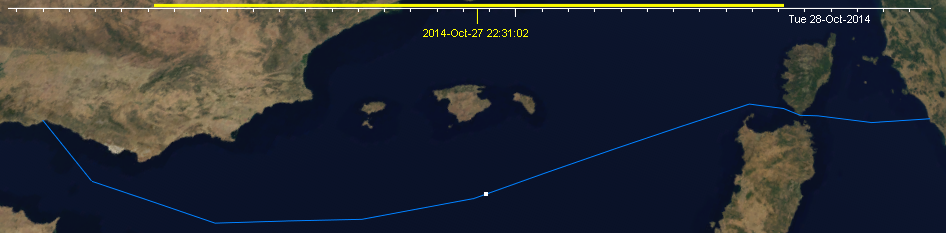
A trajectory is shown on the map as a polyline with a dot point that indicates the target position at the current selected time, set in the time bar, on the upper side of the map view.
Click and drag the cursor in the time bar to position the moving target in its expected position for the selected time.
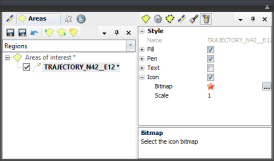
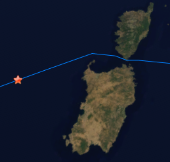
You may use an icon or a bitmap to draw the instant position of the target by editing the trajectory style properties.
Multisatellite Swath Planner - © Taitus Software Italia srl All rights reserved- info: support@taitus.it