|
|

|

Editing a trajectory
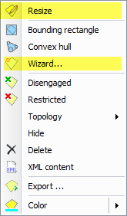
You may edit a trajectory by:
(1) Right-click on the trajectory (on the scenario tree, or on the trajectory object on the map) and select Wizard ..., or
(2) Resizing the trajectory with the Resize tool, by right-click on the trajectory object on the map and select Resize.
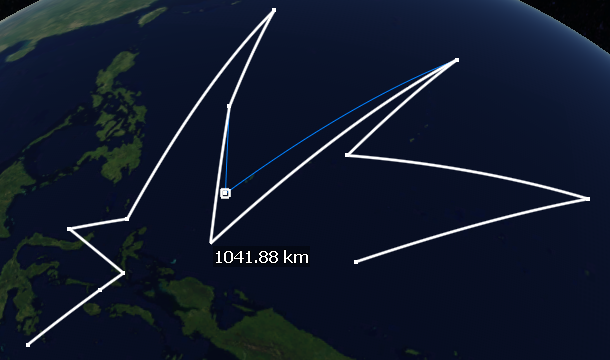
The Resize tool permits
- changing position of trajectory points on the map (click and drag an existing point),
- create new points (click and drag in the segment connecting adjacent points) , or
- delete existing points (right click on an existing point).
Exit the tool with
- double click, to accept the changes, or
- right click to cancel the changes.
Multisatellite Swath Planner - © Taitus Software Italia srl All rights reserved- info: support@taitus.it