|
|

|

Create a trajectory
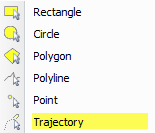
(1) From the Tools / Area of Interest menu, or from the map toolbar Area of Interest, select the Trajectory tool.
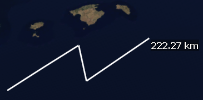
(2) Click and drag a polyline over the map to define the expected moving target trajectory.
(3) Double click to exit the Trajectory tool
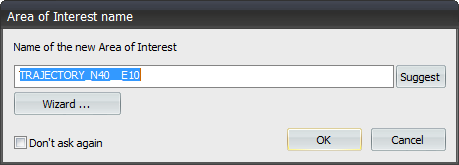
(4) Optionally give a name to the new trajectory, or accept the default one.
(5) Click "Wizard ..." to edit trajectory times. The times are generated by default by setting the start and end time equal to the SaVoir scenario times. Intermediate times are calculated according to the distance between adjacent points and an average speed required to traverse the trajectory root.
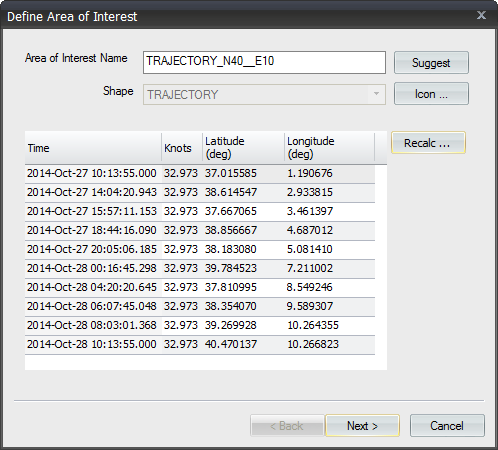
(6) Press "Recalc .. " to define different start and end times, and different overall speed.
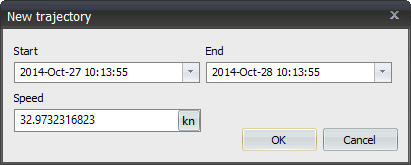
(7) Different speed and times for intermediate points can be modified in the wizard table (point 5 above).
(8) Press next to define Trajectory constraints if needed. Note that, by default, the Duration constrain is selected, so that the minimum acquisition duration is set to 15 seconds. Modify this setting if needed.
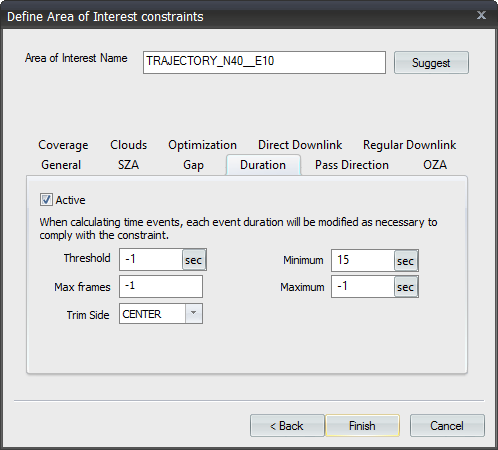
(9) Press finish to exit the wizard .
Multisatellite Swath Planner - © Taitus Software Italia srl All rights reserved- info: support@taitus.it