|
|

|

Info text
When the mouse is dragged over a swath some of the swath parameters will be displayed in real time at the upper right corner of the screen, in green text.
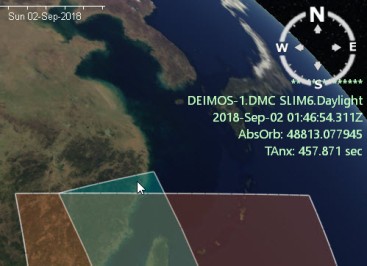
By default, the following parameters will be displayed:
- Satellite.Sensor.Mode
- Time
- Absolute orbit
- TAnx (elapsed time since Ascending Node Crossing)
- Relative orbit (if Sun Synchronous orbit)
- Cycle number (if Sun Synchronous orbit)
- Path number (if path numbering has been enabled in the orbit numbers properties)
- Frame number (if framing has been enabled)
These parameters will be calculated dynamically by translating the mouse position into a geographical position and correlating it with the time when the satellite will acquire that point.
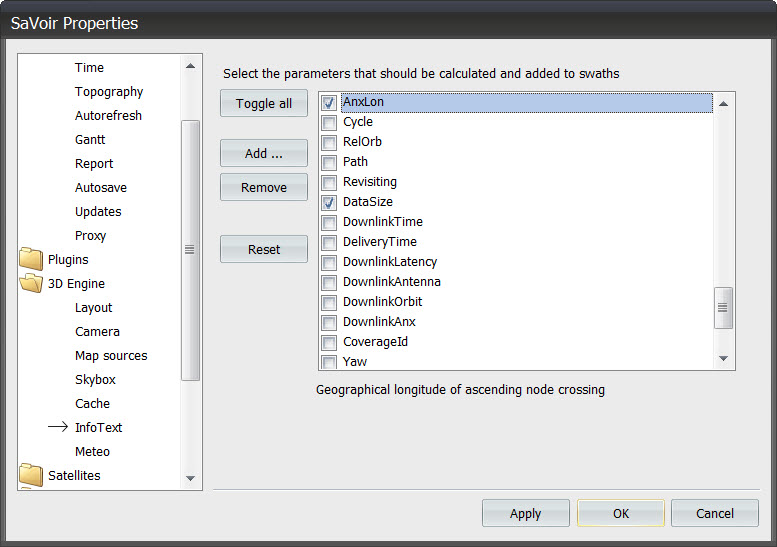
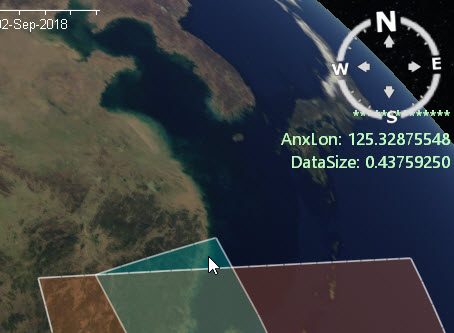
It is possible to customize the default behaviour, and add or define alternative swath parameters. This can be done via Edit / Properties / 3D Engine / Info Text
Multisatellite Swath Planner - © Taitus Software Italia srl All rights reserved- info: support@taitus.it